


High-volume manual document processing
Staff manually reviewed CVs, IDs, reports, invoices, and forms as screening volumes grew.
Applicant Information was processing high volumes of sensitive applicant documents. Prioxis helped turn that manual, document-heavy workflow into a system that could keep up.
Book a meeting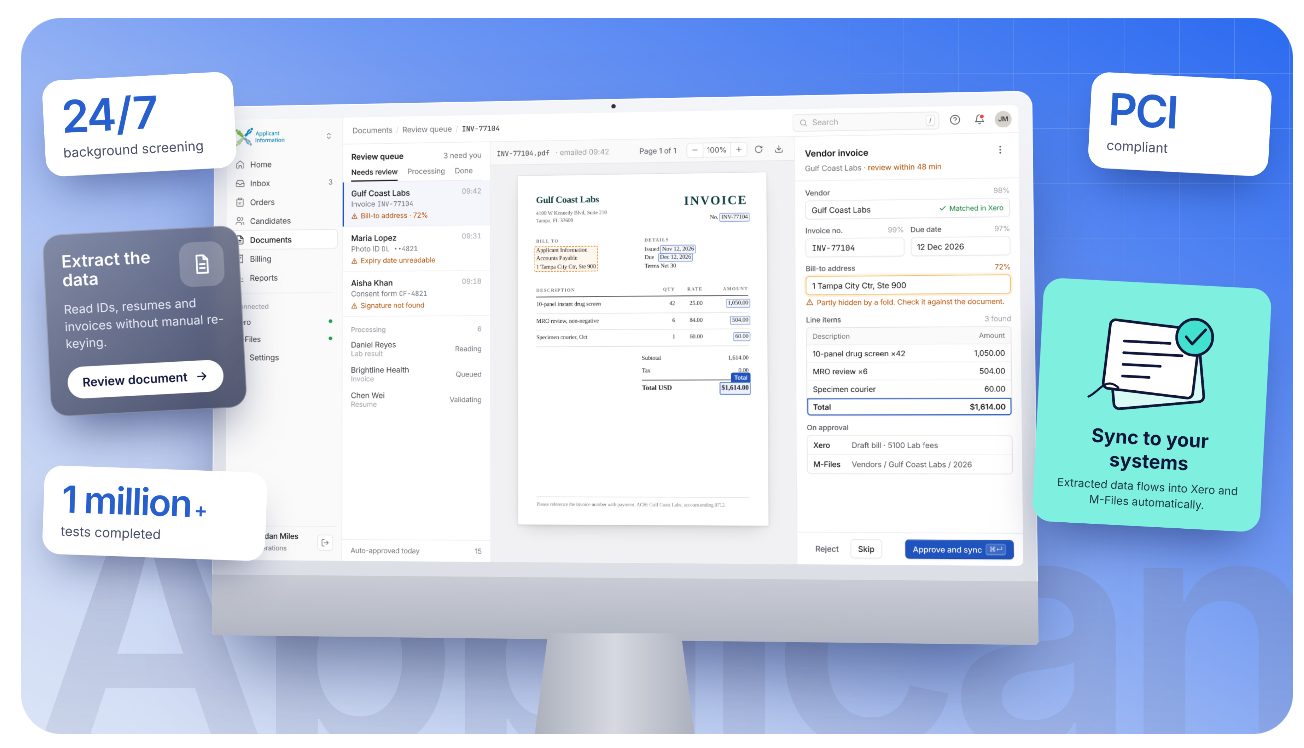
Overview
Applicant Information is a U.S.-based background screening and drug-testing company. It provides services such as employment screening, background checks, drug and alcohol testing, and compliance services.
The challenge
Applicant Information sought an automation system to support its growing client base of more than 1,000 organizations to manage high screening volumes. Staff had to extract details from documents and invoices, then move that information across systems like Xero and M-Files.
The company needed a way to read information directly from documents. OCR automation would help Applicant Information by converting documents like IDs, resumes, or background-check reports into proper data without manual re-keying.
Plus, the system connects with Applicant Information’s existing platform running over 100+ services under the hood. So, it should be built as an integrated layer, not a standalone tool.
Staff manually reviewed CVs, IDs, reports, invoices, and forms as screening volumes grew.
Manual re-keying increased the risk of missing, duplicated, or inaccurate applicant and billing data.
Invoice details required manual handling, delaying billing and adding administrative effort.
Teams had to move information manually between documents, Xero, M-Files, and other internal tools.
Manual workflows made it harder to provide current screening progress and scale without adding manual work.
Key Features
Prioxis built an OCR solution to extract information from Applicant Information’s documents and invoices.
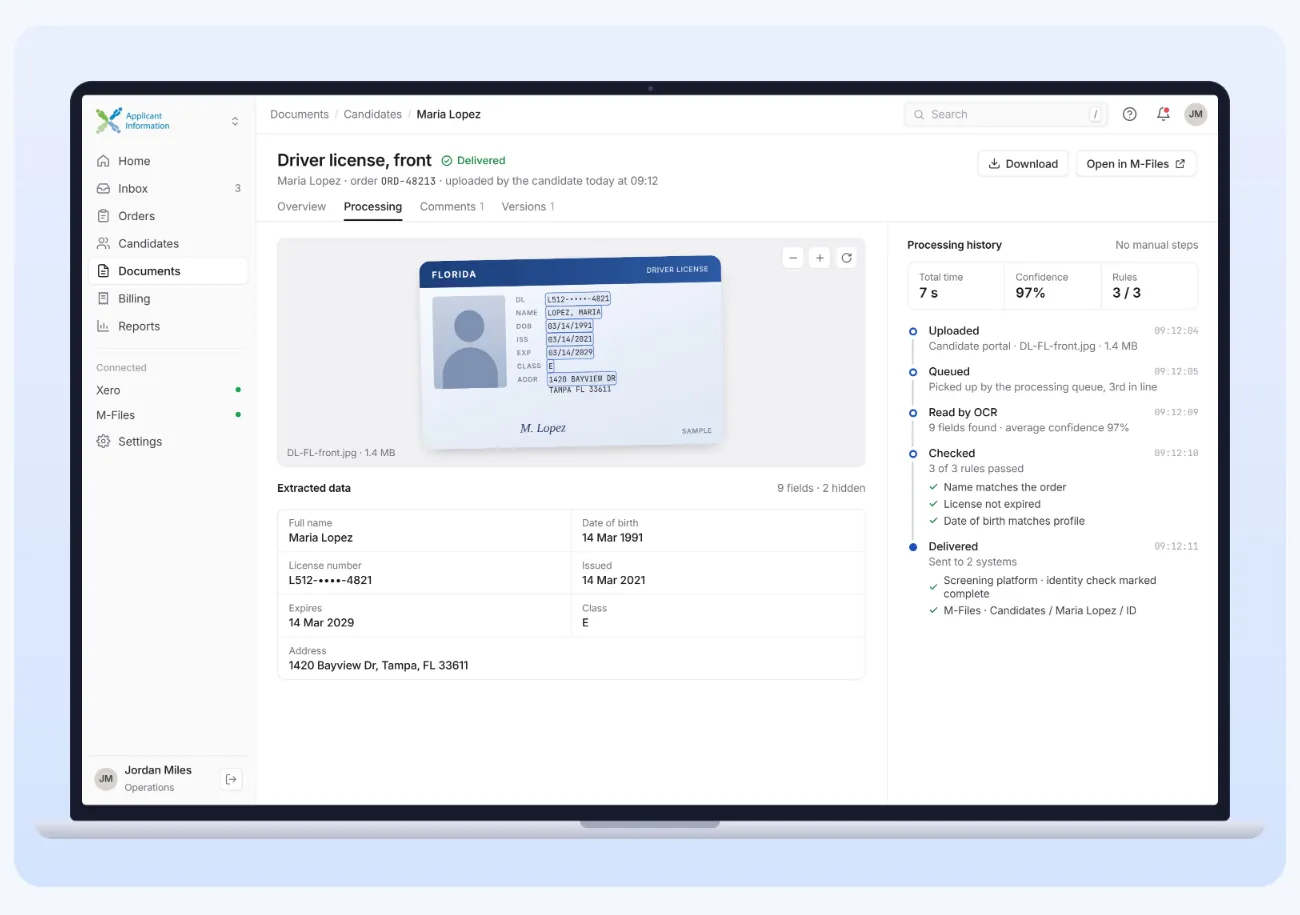
The solution read text from uploaded files and converted it into structured data, reducing the need for manual document review.
Prioxis automated the transfer of extracted document data into Applicant Information’s systems.
This reduced manual typing, duplicate entry, and time spent moving information between documents and internal tools.

Prioxis integrated the OCR and automation workflow with Applicant Information’s existing systems, including Xero and M-Files.
This allowed extracted data to move automatically into the platforms already used by their team.
Prioxis used cloud-based workflows to process documents, extracted data, and system updates without manual handoffs.
This helped Applicant Information handle higher document volumes while reducing manual operational work.
From upload to report, Prioxis connected Azure OCR, event-driven Functions and a .NET Core integration layer, so documents become validated, structured data.
Prioxis used Azure Form Recognizer to extract text and structured data from documents and invoices. For scanned images or non-standard documents, we used Azure Computer Vision, which provides cloud-based AI services for image analysis, OCR, facial recognition, and spatial analysis.
We used Azure Blob Storage for storing documents, and Azure Queues to manage the flow of files and extraction of data between processing steps.
Azure Functions handled automated processing events, such as triggering extraction when a document was uploaded, validating extracted fields, and sending data to connected systems. Azure Logic Apps could support approval, notification, and multi-step business workflows.
Prioxis used .NET Core for backend services and gRPC for fast communication between services. Integrations with platforms such as Xero and M-Files were handled through APIs and XML-based connections.
Extracted data was validated before entering downstream systems. Structured data could be stored in Azure SQL Database and used for operational reporting through tools such as Power BI.
The outcome
Prioxis built an OCR-based automation solution that extracts key information from documents and moves it through cloud-based workflows into the client’s existing systems.
OCR automation converts documents like IDs, resumes, or background-check reports into proper data without manual re-keying.
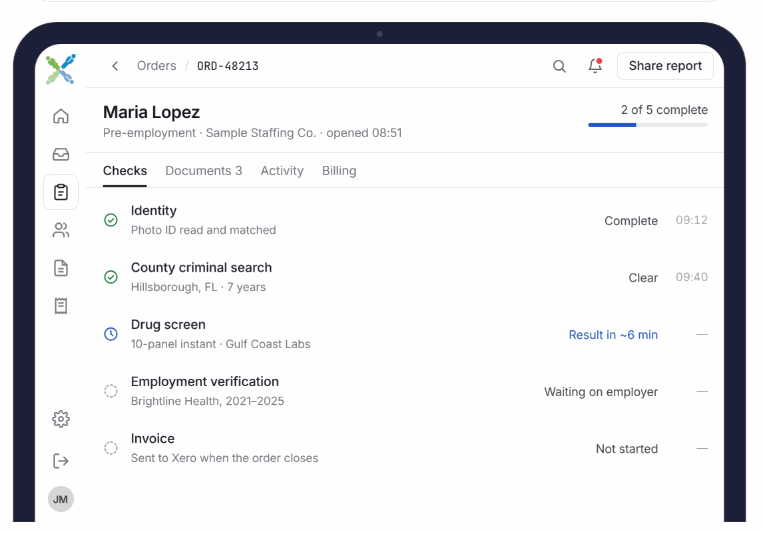
Drug test results were made available in as little as 10 minutes for non-regulated tests.
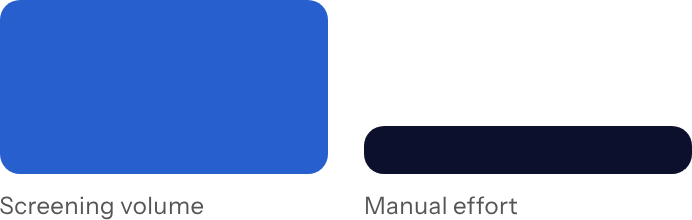
The document automation workflow supported growing screening volumes without increasing manual processing requirements.
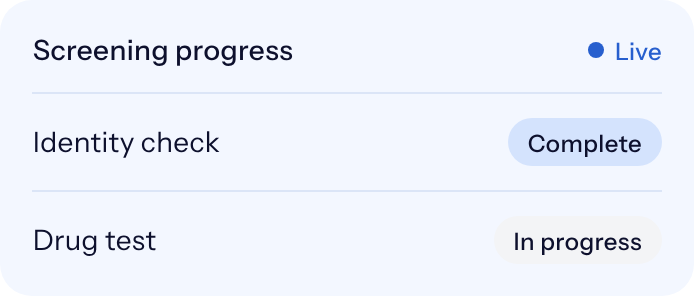
Customers could access up-to-date screening progress and reporting through a web-based platform.