


Summarise with AI:



Key Takeaways
- DevOps Monitoring tools give teams visibility and control over the entire software stack, helping ensure deployment run smoothly, reduce downtime and optimize performance.
- Good DevOps monitoring tools provide real time data collection, performance analysis, visualization dashboards, notification and historical analysis, which help the teams to identify issues quickly and support better in decision making.
- The blog highlights several popular AI DevOps tools like AppDynamics, Splunk, and so on. Don’t take stress, just select tools based on factors such as observability, user interface, automatic discovery, and real time insights that align with your technical needs and your budget.
- It’s not just about tools, it’s about implementing continuous monitoring with integration across your tech stack, end to end observability, debugging support and rapid troubleshooting makes monitoring a strategic advantage rather than a afterthought.
Why DevOps Monitoring is Essential?
In December 2021, AWS experienced a major outage that disrupted popular services like Netflix, Disney+, and Slack. Investigators traced the issue to network congestion in one region. With better monitoring and automated fail-over systems, we could have found the downtime sooner. This would have helped prevent it from affecting millions of users.
This example highlights why monitoring has become a critical pillar of modern IT services. DevOps isn’t just a methodology; it's a culture of continuous improvement, collaboration, automation, and efficiency. By integrating development and operations, DevOps implementation empowers teams to deliver faster, reduce costs, and continuously enhance product quality.
However, teams do not drive success in DevOps through speed; they drive it through visibility and control. Monitoring ensures that every change, software deployment, and process runs smoothly across the infrastructure. It not only helps prevent downtimes but also optimizes performance, accelerates troubleshooting, and enhances developer performance.
In this blog, we’ll explore the role of monitoring tools in DevOps, it’s growing importance, the different types of monitoring tools, and the key factors to consider when choosing the right DevOps services and solutions for your organization.
Key DevOps Server Monitoring Tools for Scalable Environments
DevOps monitoring tools help you see everything in the software stack. They do this by combining four key types of data: events, logs, metrics, and traces. Several DevOps monitoring tools are available in the market. But not all monitoring tools are created for the same purpose. Before choosing tools, consider the cost, benefits, and most importantly, whether they fulfill your company's needs. Here, we've compiled a list of the top monitoring tools:
1. Splunk
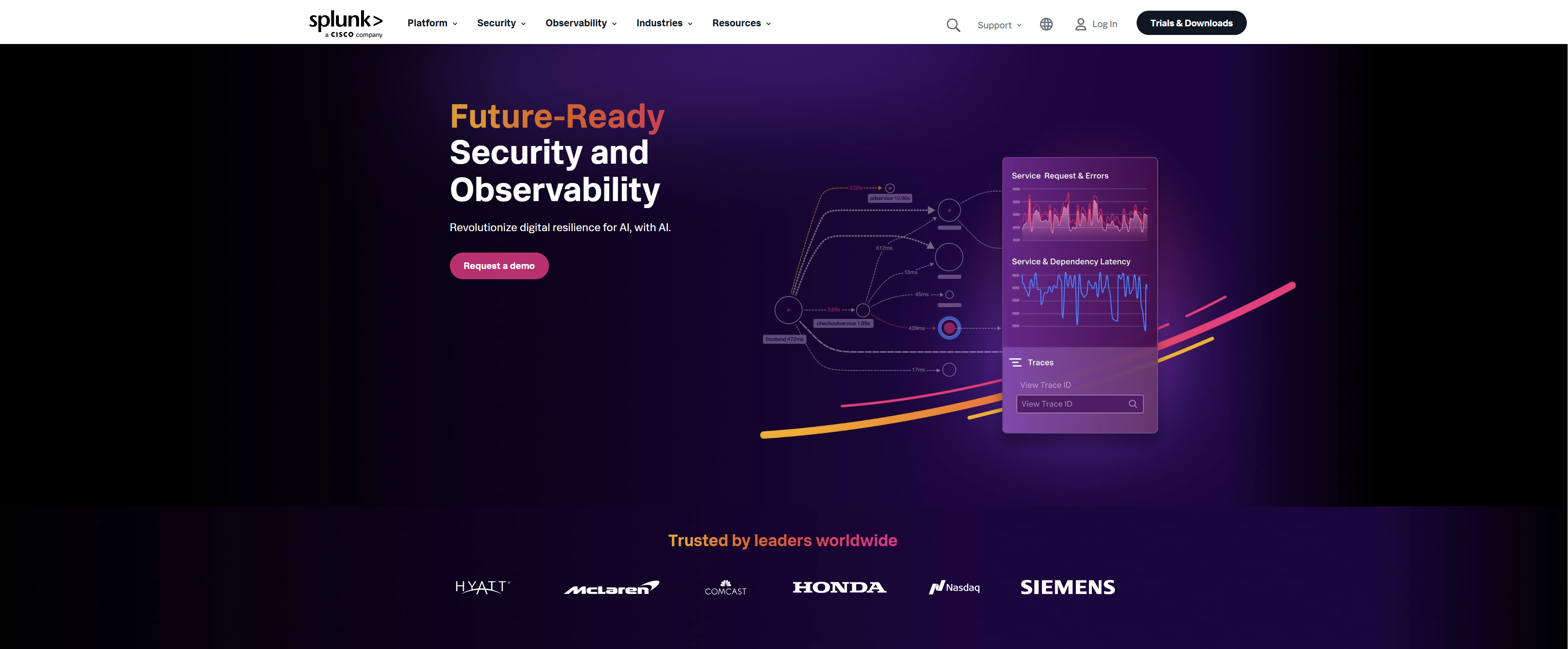
Splunk is a customizable, massively scalable continuous monitoring DevOps tool that prioritizes security and observability. Splunk is a great alternative for many well-known firms, like Nasdaq, Honda, Aflac, etc.
2. AppDynamics

AppDynamics is a comprehensive continuous monitoring DevOps system that monitors business performance, user experience, applications, networks, infrastructures, and security. AppDynamics helps you in resolving performance issues by increasing visibility and providing intelligent recommendations.
3. Nagios
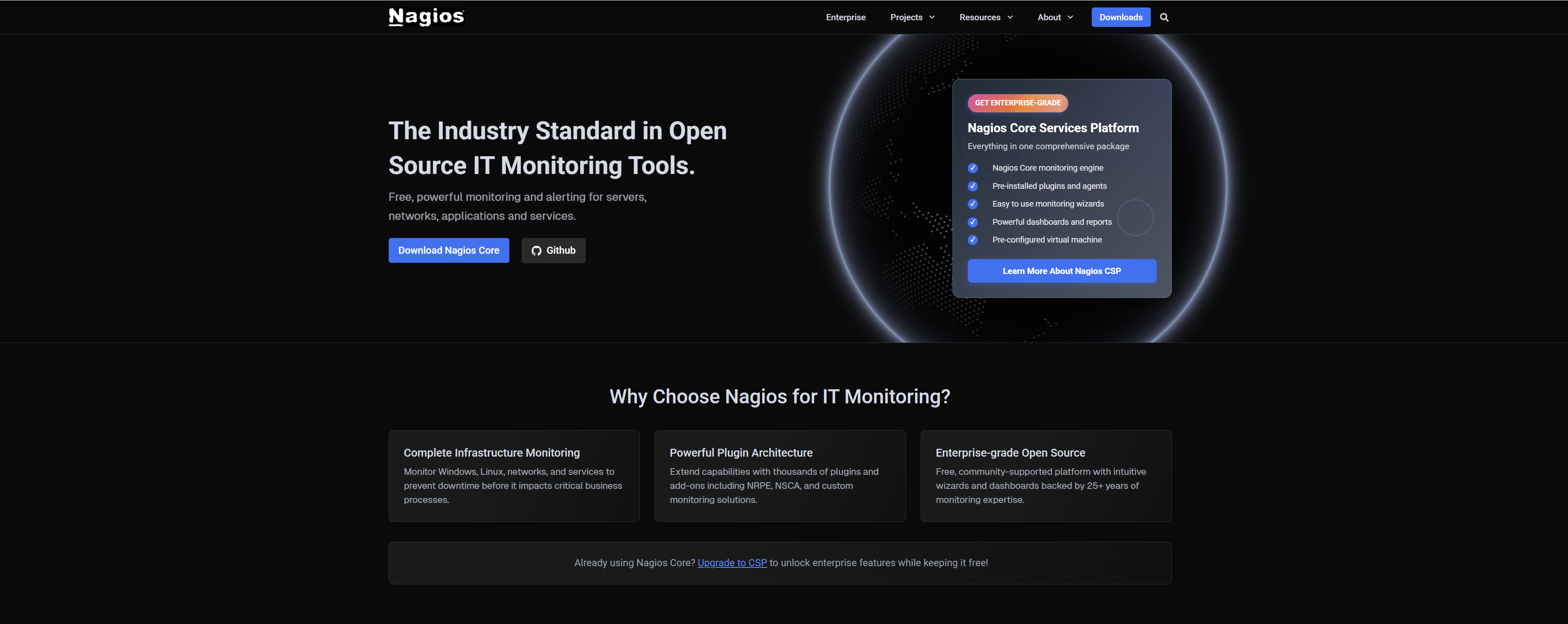
Are you seeking a continuous monitoring solution for your IT infrastructure? Then Nagios might be the best option for your organization. Nagios monitors your networks and verifies the status of physical devices such as switches and routers.
4. Prometheus
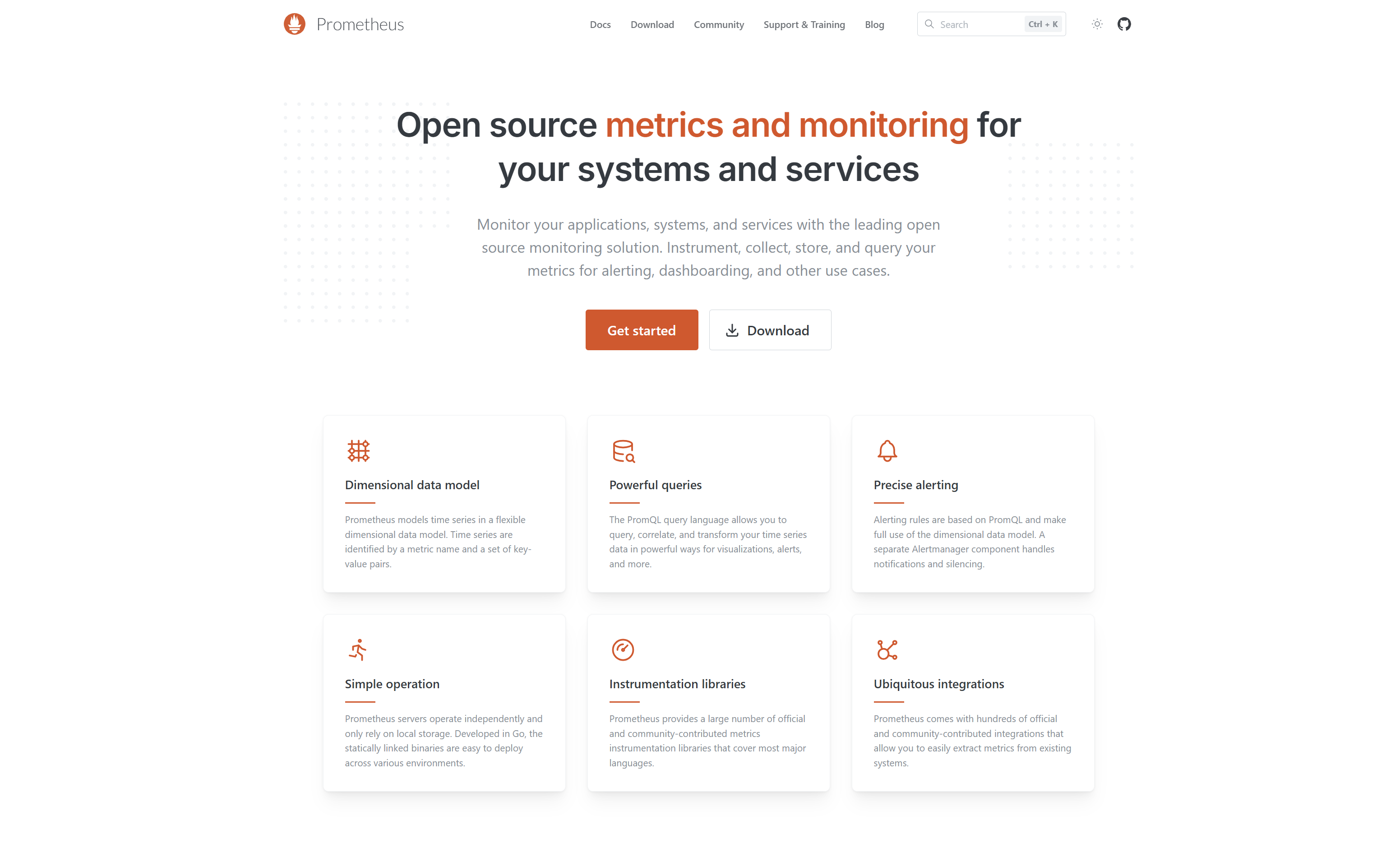
Prometheus is an open-source monitoring toolkit. Choose Prometheus to access a thriving and expansive development community. Prometheus has several parts that work together to monitor your systems. These include an alert manager and the main Prometheus server.
5. New Relic
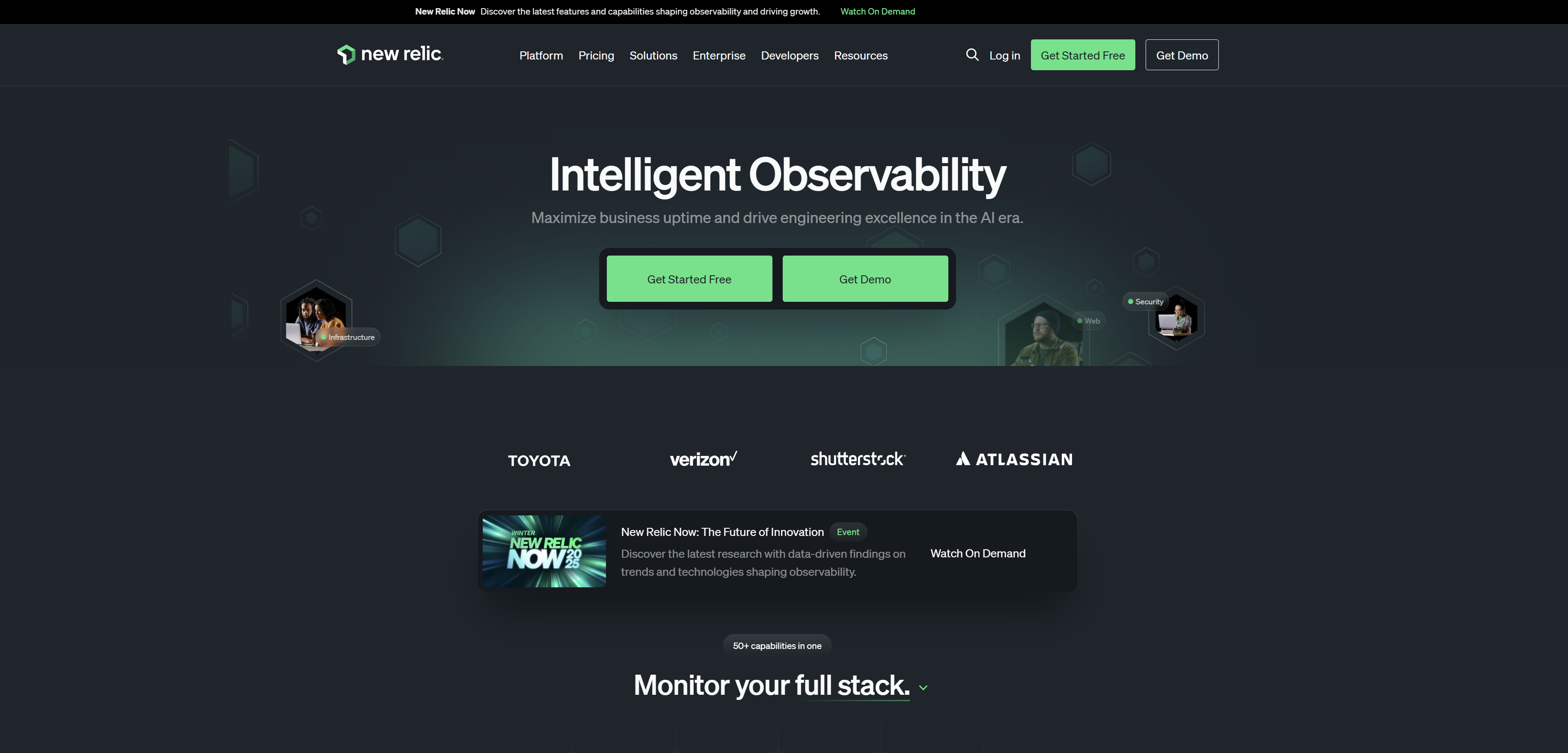
Most organizations benefit from a full-stack monitoring solution, such as New Relic. New Relic detects faults without requiring any additional settings. It’s machine learning algorithms that recognize trends in log messages and provide intelligent warnings.
Top Container Monitoring Solutions for Hybrid and Multi-Cloud Setups
Here are some top options for monitoring containers in hybrid and multi-cloud setups. Datadog, Dynatrace, and Grafana provide full observability.
Red Hat OpenShift and VMware Tanzu offer integrated platform management. Azure Arc helps unify governance across different environments. Choosing the correct monitoring tools depends on factors like existing infrastructure, budget, and the specific need for unified management, performance monitoring, or cost optimization.
1: Comprehensive Observability and Performance
- Datadog provides end-to-end visibility by integrating metrics, logs, traces, and security signals through various cloud providers and services.
- Dynatrace is an AI-powered full-stack observability platform that monitors user applications, infrastructure, and user experience through complex environments.
- Grafana is a free tool that helps you see data from many sources in one place. This makes it great for mixed environments.
2: Integrated Management Platforms
- Red Hat OpenShift is a platform for developers. It helps manage applications in different cloud environments. It also has built-in CI/CD pipelines.
- VMware Tanzu a modern application platform that aids in managing Kubernetes clusters through various clouds.
- Microsoft Azure Arc extends azure management and governance to on-premises, private, and other public cloud resources, providing consistent management across environments.
Key Features of DevOps Monitoring Tools
Modern DevOps monitoring tools provide a unified ecosystem for maintaining system reliability through several core capabilities:
- Data Collection and Aggregation DevOps monitoring tools gather complete information from various sources, including servers, databases, applications, and network devices. This data encircles metrics, logs, events, and traces, providing a complete view of the system's performance.
- Real-Time Monitoring These solutions provide real-time monitoring, allowing teams to track the performance of applications and infrastructure as they run. Real-time dashboards and notifications enable the instant detection of any deviations or abnormalities.
- Performance Evaluation By evaluating the collected data, DevOps server monitoring tools can detect performance obstruction, resource constraints, and potential points of failure. This analysis is important for optimizing the system and ensuring it runs efficiently.
- Visualization Visualization is a critical component of DevOps monitoring tools. They provide user interface dashboards and infographics to help teams rapidly and easily understand complicated data. Visualization helps to easily spot trends, patterns, and outliers.
- Alerting and Notification Monitoring tools in DevOps generate alerts and notifications when they detect an issue. We can set up these alerts based on specific thresholds and conditions. This ensures that the right team members are quickly notified to take action.
- Historical Data Analysis DevOps monitoring tools keep historical data. This helps teams analyze and understand past performance and trends. This historical analysis is important for future capacity planning, identifying recurring issues, and making informed decisions.
Benefits of Using Container Monitoring Software in Microservices
Container monitoring solutions that use microservices can potentially provide your company with several key benefits. Some benefits of using container monitoring software are given below:
- Consistent microservice development Since the microservice is in a container, there are fewer factors to manage. This implies you'll likely encounter fewer issues throughout critical stages, such as development, testing, and deployment.
- Improved scalability that supports growth Unlike virtual machine development, containerization lets you run multiple containers on the same server. You can even use the same operating system if you need to grow continuously.
- Greater isolation for microservices It reduces resource usage and allows you to stretch your limited resources and budget farther, even while constructing several microservices.
- Containerized microservices run efficiently Running groups of microservices isn't especially difficult for your organization because they demand fewer resources. Contrast this with the same amount of microservices running on virtual machine settings.
How to Use Continuous Monitoring Tools in Agile DevOps Teams?
To implement continuous monitoring in Agile DevOps teams, first, set your goals and choose metrics that support them. Utilize automated tools such as Prometheus and Grafana to collect data from application logs, infrastructure, and user behavior. This information helps you create alerts, detect issues quickly, and get real-time feedback to improve your development process.
1. Define Your Goals and Metrics
Set Objectives Identify opportunities for improvement, such as speedier deployment or increased application stability.
Choose Key Metrics Select metrics that align with your goals.
2. Implement Automated Data Collection
Integrate into the Pipeline Monitor your CI/CD workflow using tools such as Jenkins or GitHub Actions.
Collect Data in Real-time Set up tools to gather event data, logs, and metadata from all parts of the system. This includes the infrastructure, application, and network.
Start Simple Begin with a simple solution, such as configuring a heartbeat monitor on a specific URL, and go from there.
3. Analyze and act on the data
Configure Alerts Set up your best monitoring tools in DevOps to provide quick warnings when circumstances or abnormalities occur.
Provide Real-time Visibility Dashboards may be used to provide the team with real-time information on application and system health.
Analyze Feedback Use the data to better understand performance patterns, identify bottlenecks, and priorities solutions.
Incorporate Feedback Use monitoring information to enhance the development process by modifying requirements, code, or designs.
4. Foster continuous improvement
Continuously Evaluate Regularly, analyze how the changes you've made are affecting performance and adjust your feedback loop and monitoring strategy accordingly.
Develop Team Capabilities Teach team members how to evaluate monitoring insights and interact with automated testing and monitoring tools.
Build Intelligence Gradually Allow monitoring tools to learn your application's basic behaviour patterns over time, making them more effective at spotting difficulties.
How to Integrate Docker Container Monitoring Tools into Your Stack?
Want to integrate Docker container monitoring tools into your stack? In that case, you should follow several key steps to ensure complete visibility into your containerized applications.
1. Choose Your Monitoring Stack
- Open-source Options Prometheus, cAdvisor, Grafana, Loki, Promtail, Node Exporter, and ELK Stack.
- Commercial Solutions New Relic, Datadog, Dynatrace, etc.
2. Deploy Monitoring Agents
For Prometheus:
- cAdvisor Deployed as a Docker container, it collects resource utilization and performance information from host containers.
- Node Exporter Deployed as a Docker container or directly on the host, it collects host-level metrics.
- Promtail (for Loki) Deployed as a Docker container, it tails logs and sends them to Loki.
For ELK Stack:
- Filebeat Deployed as a Docker container or directly on the host, it collects and forwards container logs to Logstash or Elasticsearch.
- For Commercial Tools Install their respective agents as Docker containers or on the host machine as per their requirement.
3. Configure Data Collection
- Prometheus Configure prometheus.yml to specify scrape targets and their respective ports.
- Loki/Promtail Configure Promtail to specify the paths to Docker container logs and the Loki endpoint.
- ELK Stack Configure Filebeat to define the input sources, like Docker logs, and the output.
- Commercial Tools Follow their specific configuration instructions for agent setup and data collection.
4. Visualize and Alert
- Grafana Connect to Prometheus (data source) or Loki (logs). Import pre-built Docker dashboards or construct your own to visually represent data and logs.
- Kibana (for ELK Stack) Visualize logs and metrics collected by Elasticsearch.
- Commercial Tools Utilize their pre-built dashboards and alerting features to monitor container health and performance.
DevOps Monitoring Best Practices You Should Follow
Once you find the correct DevOps monitoring tool, you want to get the best out of it. For great results, adopt these best practices in your DevOps lifecycle.:
- Monitor Continuously These tools continuously track threats before they can affect users. DevOps continuous monitoring tools help save money over time. They also protect a company's reputation by preventing breaches and penalties.
- Integrate the Tech Stack This means you can sync different tools in real time. The integrated data gives you a clear view of operations.
- Debugging Features For developers, debugging tools help find and fix bugs quickly. This ensures that errors are solved faster.
- Prioritize end-to-end Observability Monitoring every production stage helps detect subtle issues.
- Accelerate Remediation and Troubleshooting DevOps monitoring tools not only identify issues, but also give solutions. Troubleshooting acceleration enables items to return to production faster.
Conclusion
The AWS outage of 2021 shows that even the best systems can fail without good monitoring. In DevOps, speed and teamwork are important. Monitoring serves as a safety net. It helps keep innovation from causing problems. By using the right DevOps monitoring tools, teams can see problems early. This helps them keep systems running, improve processes, and automate their DevOps workflows. Whether managing microservices, hybrid environments, or containerized applications, monitoring ensures your systems don’t just operate; they operate smarter, faster, and stronger.
If your organization has not yet adopted full-stack observability, now is the time. The right monitoring strategy can transform how your DevOps teams build, deploy, and scale.


Related Blogs
What Is Cloud-Native Architecture? Pros, Cons and Key Components
Explore practical insights from engineers who build scalable digital products every day.

Top Reasons To Hire A .NET Developer
Explore practical insights from engineers who build scalable digital products every day.

Top 9 Cloud Benefits: Productivity, Innovation & Growth
Explore practical insights from engineers who build scalable digital products every day.

Benefits of a Dedicated Development Team Model
Explore practical insights from engineers who build scalable digital products every day.
Top 12 Software Development Methodologies
Explore practical insights from engineers who build scalable digital products every day.
Why Cloud Integration Matters: Is Your Business Ready?
Explore practical insights from engineers who build scalable digital products every day.
.NET Core vs .NET Framework: Key Differences That Matter
Explore practical insights from engineers who build scalable digital products every day.
Why Is Azure DevOps the Key to Faster Business Growth Today?
Explore practical insights from engineers who build scalable digital products every day.
Azure DevOps Pipelines: Tools for Smoother Deployments
Explore practical insights from engineers who build scalable digital products every day.
On Premise vs Cloud Computing: Cost, Security & Scalability
Explore practical insights from engineers who build scalable digital products every day.