


Summarise with AI:



Key Takeaways
- DevOps workflow automation eliminates repetitive manual task like creating, testing, and deployment, which significantly reduce human error and enabling faster time to market with higher software quality.
- A DevOps workflow encourages development between development, operations and QA teams, breaking down silos and improving communication, which leads to faster issue resolution and more efficient development cycle.
- Using tools such as CI/CD pipeline, IaC, and containerization ensures consistency across environments reduces configuration drift and helps system scale smoothly with demand.
- This blog provides practical steps to build a DevOps workflow that start with defining workflow goals and end with feedback loops.
Have you ever wondered how top tech teams deliver updates quickly? They add great features and ensure strong performance. They do this without burning out or breaking their systems. The secret lies in a streamlined development process powered by DevOps workflow automation.
As customer expectations rise for better performance, more functionality, and guaranteed availability, relying on manual processes simply isn’t enough. DevOps services brings development and operations teams together, but automation is what truly unlocks their full potential.
It eliminates repetitive tasks. It reduces errors. It ensures that each step of software development runs smoothly and efficiently.
And let’s be honest, trying to manage deployments, testing, monitoring, and infrastructure manually would be a recipe for chaos. Automation turns this chaos into clarity, enabling teams to collaborate better and deliver high-quality software at scale.
Whether you have extensive DevOps experience or are just starting, this article will help you. It offers practical tips to improve your workflows and create a stronger IT operations system. Let’s explore how automation transforms DevOps into a powerful engine for speed, quality, and reliability.
What is DevOps Workflow Automation?
DevOps automation means using tools to automate repetitive tasks in the DevOps lifecycle. This includes design, development, software deployment, and monitoring.
Automating the DevOps lifecycle minimizes the manual workload and:
- Reduces human error
- Improves productivity
- Hastens the lifecycle procedure
- Makes everyone’s job easier
To automate DevOps, you will require a DevOps process automation technology. It can help you automate various operations and procedures across the software development lifecycle (SDLC). It provides a central platform to manage the stages of development, deployment, testing, and monitoring. This helps teams work more efficiently and create high-quality software faster.
Why DevOps Workflow Matters for Engineering Teams?
A DevOps workflow is critical for engineering teams. It enables scaled delivery of high-quality software by encouraging collaboration, automation, and continuous improvement across the software development lifecycle (SDLC).
Check Out the Key Reasons Why DevOps Workflows Matter:
- Faster Time-to-Market By automating build, test, and deployment processes through Continuous Integration and Continuous Delivery (CI/CD) pipelines, teams can deliver features and updates in minutes or hours instead of weeks or months. This agility enables organizations to adapt rapidly to market needs and client feedback.
- Improved Product Quality and Reliability The DevOps workflow uses automated testing and continuous monitoring. This helps teams find and fix issues earlier in development, rather than later in production. This proactive strategy reduces the failure rates and minimizes downtime, resulting in more stable and dependable applications.
- Enhanced Team Collaboration A DevOps culture eliminates traditional silos between development, operations, and QA teams, encouraging shared accountability and open communication. This alignment of goals and enhanced visibility throughout the project lifetime results in fewer miscommunications and more efficient issue resolution.
- Increased Efficiency through Automation Automating repetitive tasks can improve efficiency. This includes setting up environments with Infrastructure as Code (IaC), testing, and deployment. By automating these tasks, developers can focus on more important work and innovation.
- Faster Problem Resolution With continuous monitoring and tight feedback loops, issues in production can be detected and resolved quickly, often automatically. This significantly reduces the Mean Time to Recovery from incidents, minimizing business impact.
- Scalability and Consistency Containerization and Infrastructure as Code (IaC) help applications to run consistently across different environments. This also allows them to scale easily with demand. It reduces configuration drift and manual errors.
How to Set Up a DevOps Workflow from Scratch?
Creating a DevOps & CI/CD workflow from scratch involves several steps. These steps focus on bringing together development and operations teams. They also aim to automate the software delivery process.
1. Define Goals and Assess Current State
- Clearly outline your DevOps goals (e.g., faster releases, greater quality, and decreased downtime).
- Analyze your current development and operational processes to find the bottlenecks and opportunities for improvement.
2. Foster a DevOps Culture
- Encourage collaboration and communication between development and operations teams.
- Foster a culture of shared accountability and continual improvement.
3. Implement Version Control
- Choose a robust version control system to handle your codebase.
- Establish clear branching strategies for effective code management.
4. Introduce Continuous Integration (CI)
- Configure a CI server to build and test code changes as they are pushed to the repository.
- Automate unit tests to ensure code quality and identify problems early.
5. Establish Continuous Delivery/Deployment (CD)
- Automate the release process to get tested code into staging or production environments.
- Set up automatic deployments for at least one environment. Consider using blue-green deployments or canary releases in production.
6. Automate Testing
- Improve your CI/CD pipeline by including integration, end-to-end, and performance tests to expand unit tests.
- Utilize test automation technologies and incorporate them into your process.
7. Implement Infrastructure as Code (IaC)
- Manage and provision your infrastructure using code.
- This ensures consistency, repeatability, and version control for your infrastructure.
8. Monitor and Log
- Implement complete monitoring and logging solutions to gain insights into application and infrastructure performance.
- Set up alerts to proactively resolve issues and ensure system stability.
9. Gather Feedback and Iterate
- Create a mechanism to gather all feedback from users and stakeholders.
- Frequently analyze performance data and feedback to optimize and enhance DevOps workflows.
Top DevOps Workflow Tools You Should Know
Knowing the most suitable AI DevOps tools for your workflow can save your team time and reduce deployment failures. Let’s go through the best options and how they help.
1. Terraform
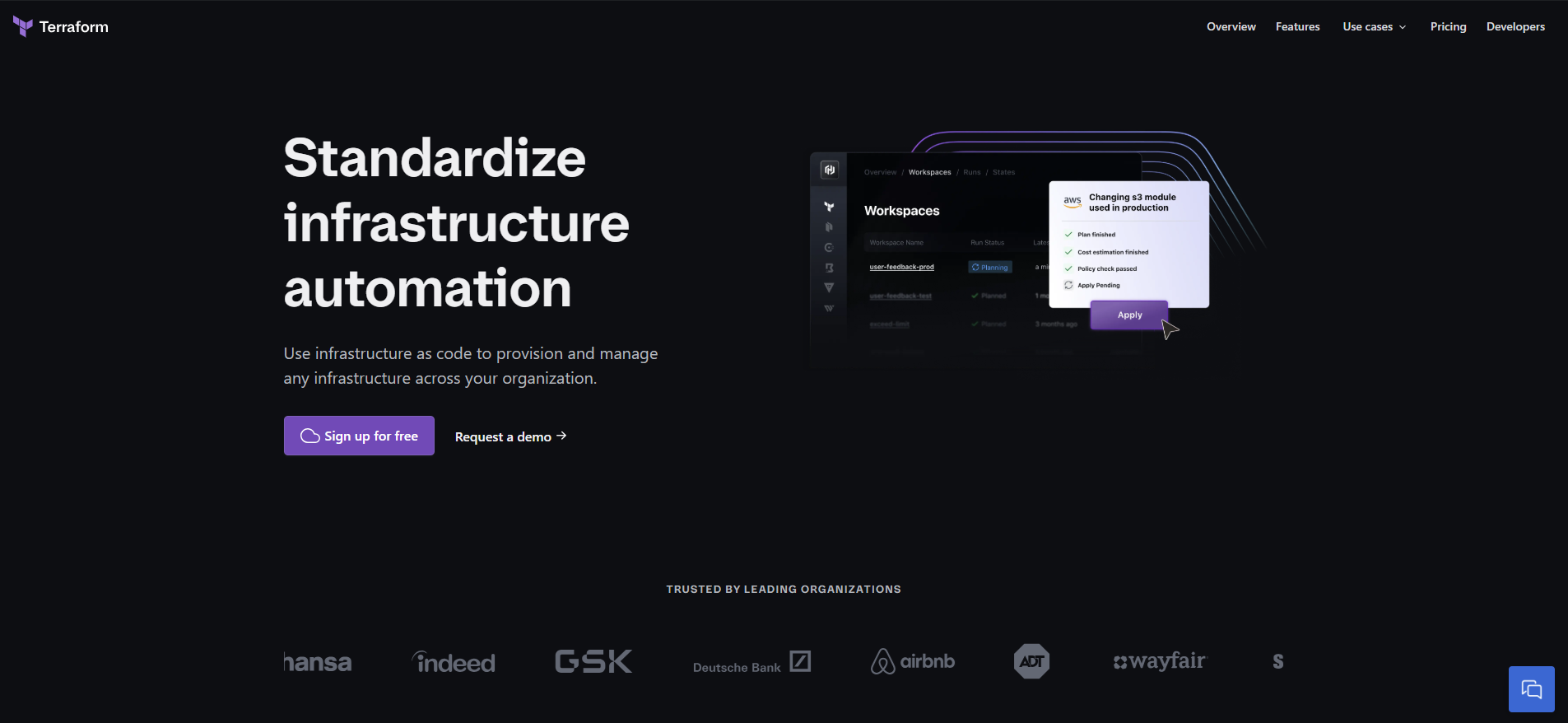
Provisioning infrastructure manually takes time, and misconfigurations can break deployments. Terraform lets you define infrastructure as code, so everything is predictable and version controlled.
Your team can spin up cloud instances, set up networking, and configure Kubernetes clusters using declarative configurations. Deployments are uniform across environments, which minimizes last-minute surprises.
2. Docker
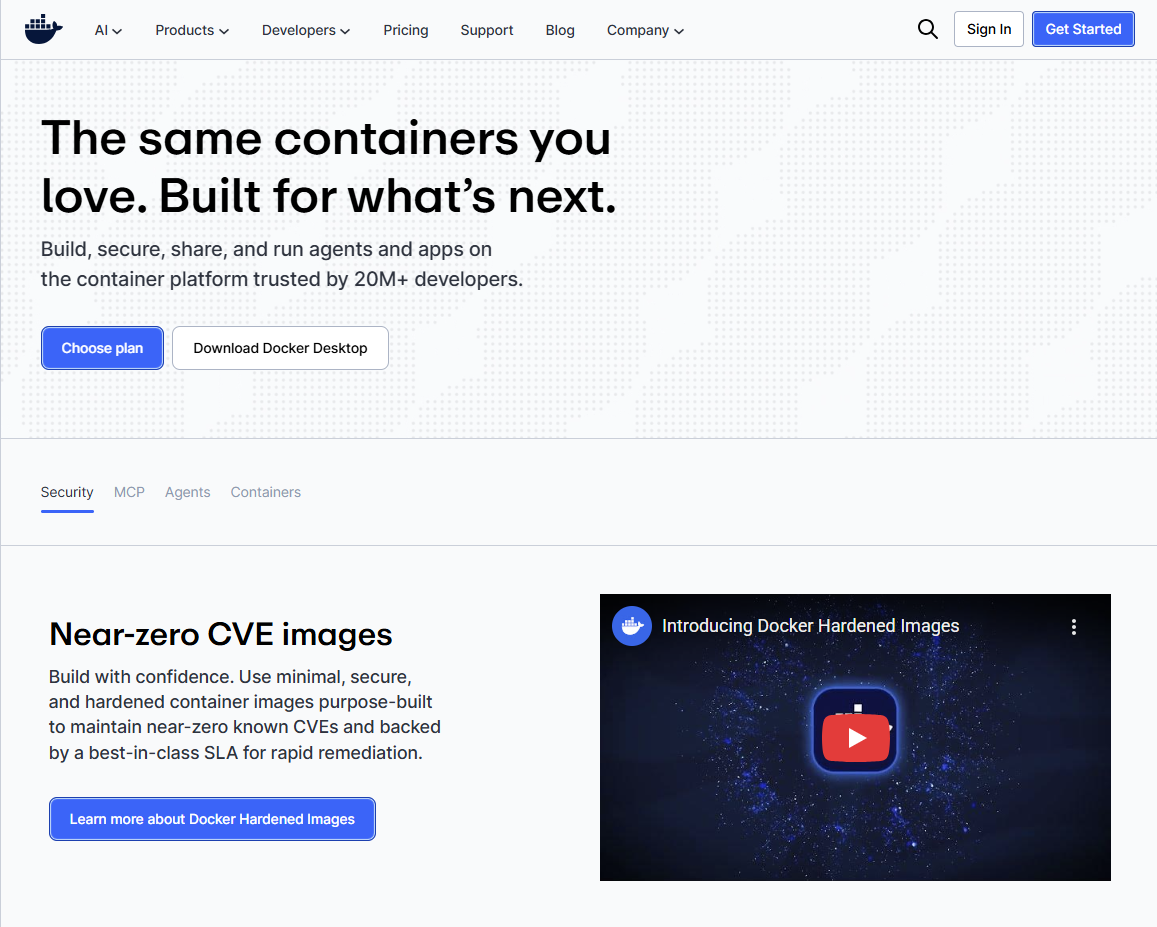
Running apps across many contexts frequently causes dependency concerns. Docker addresses this by packaging apps with everything they require, ensuring that they function consistently across all platforms.
Your team may design lightweight, portable containers that operate on any system without any further configuration. Local development, CI/CD, and production environments are in sync, which reduces deployment stress.
3. Portainer
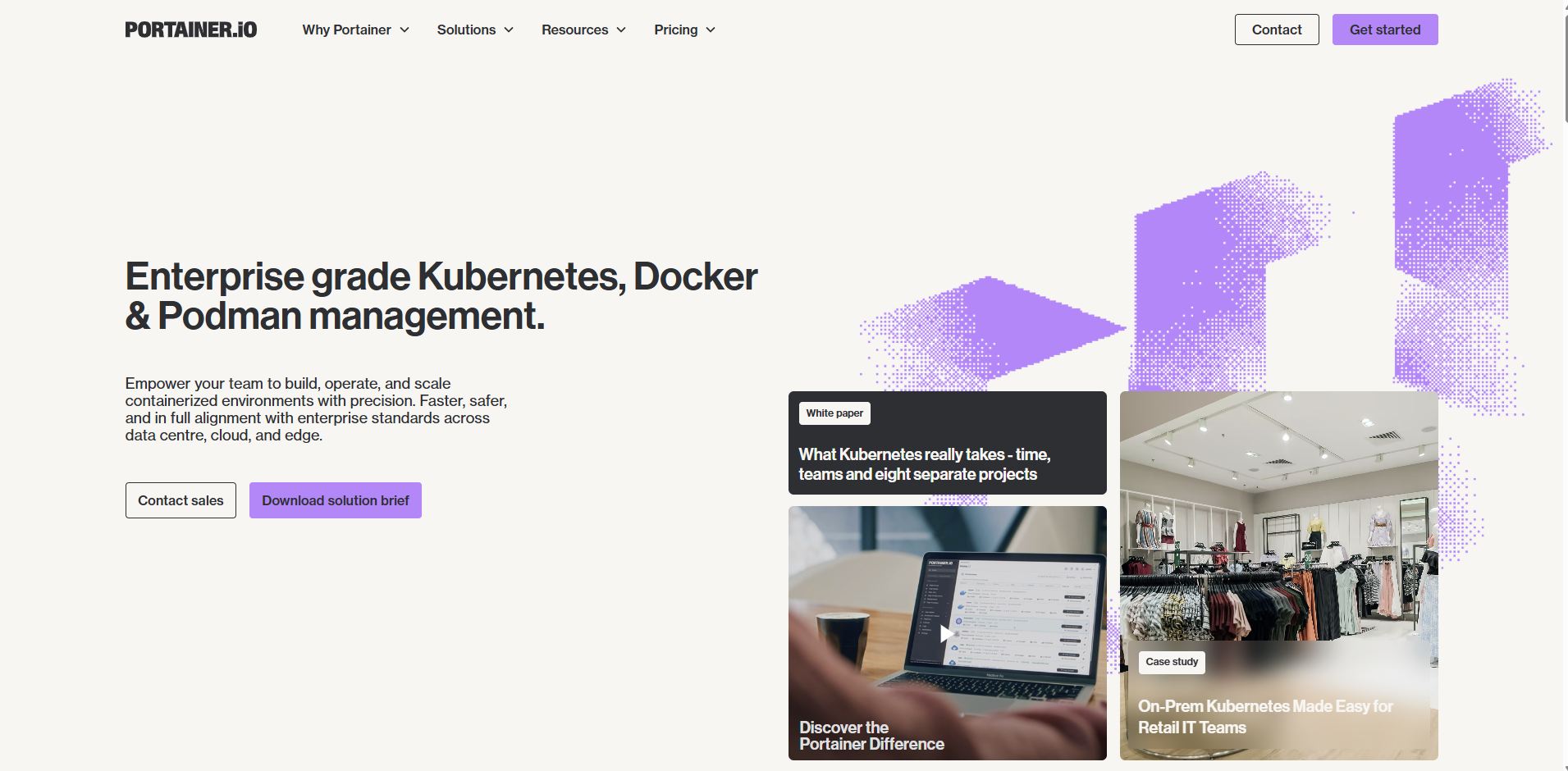
Without a centralized interface, setting up and maintaining containers may be daunting. Portainer offers a visual dashboard for managing, monitoring, and debugging containers and Kubernetes clusters.
Instead of issuing CLI commands, use an interactive UI to establish networking, manage access controls, and track deployments. This is important if your company is implementing Kubernetes but needs a more straightforward approach to manage it.
4. GitHub Actions
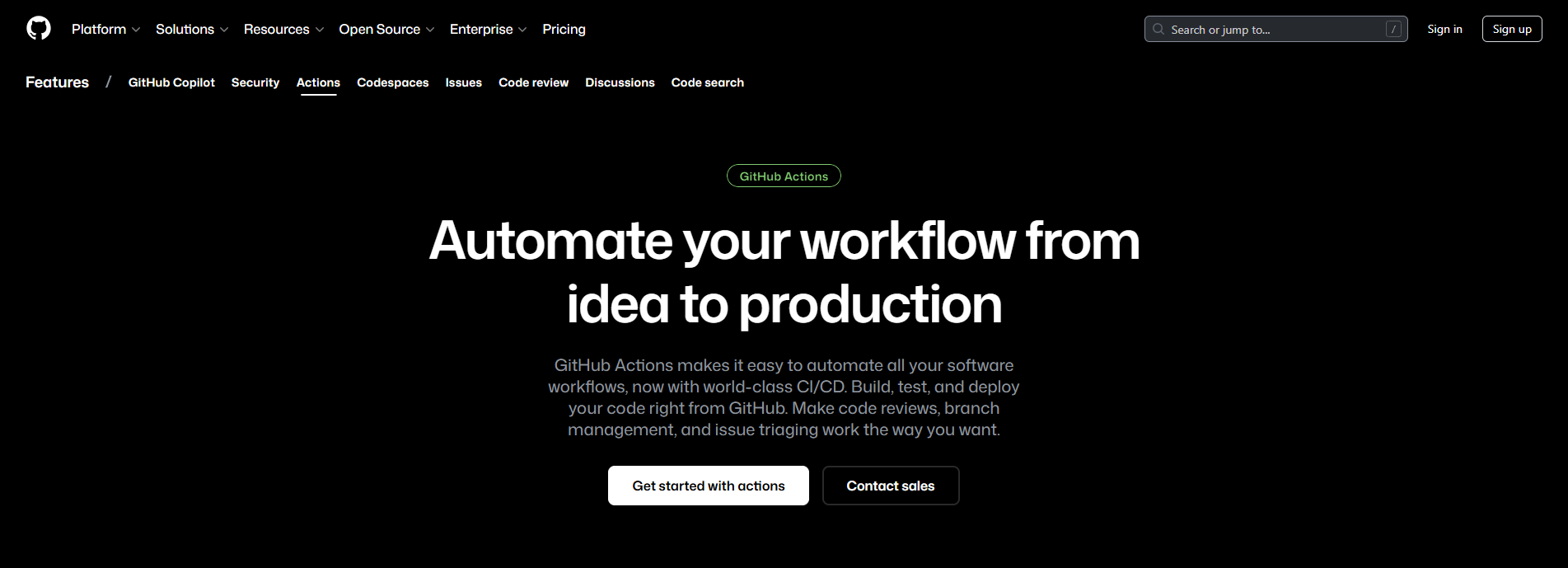
CI/CD should be deeply integrated into your codebase. GitHub Actions allows you to create workflows within your repository.
This ensures that builds and tests run automatically with each change. Instead of relying on external CI/CD tools, processes are triggered by events like pull requests or releases. Your team can easily automate testing, container builds, and deployment directly within GitHub.
5. ArgoCD
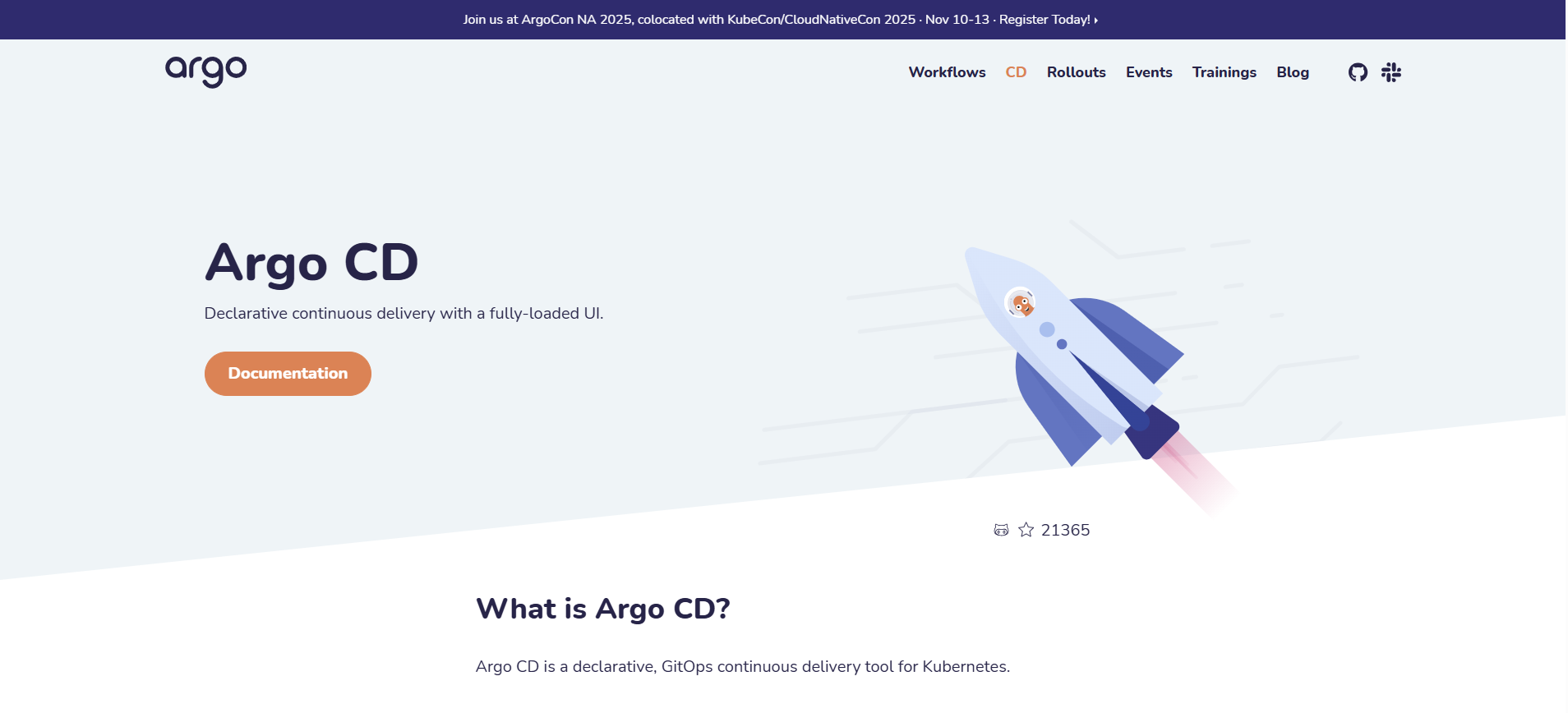
Deploying apps on Kubernetes may be difficult without automation. ArgoCD automates GitOps procedures, keeping your infrastructure and apps in sync with the repository. Git allows your team to set deployment configurations, which ArgoCD continually enforces. ArgoCD automatically identifies and corrects configuration drift.
Tips to Use Automation Tools in DevOps for Better Efficiency
To use automation tools in DevOps effectively, you must optimize how they operate inside your workflow, not just deploy them. Here are some tried and true strategies for increasing efficiency:
- Automate High-Impact Areas Identify repetitive tasks such as builds, tests, and deployments. Automate these first to quickly reduce manual work and show visible improvement.
- Organize Processes Across Teams Whether it’s code reviews, branching strategy, or deployment sequence, create consistent patterns. Standardization makes automation more reliable and reduces errors.
- Use Infrastructure as Code (IaC) for Repeatability Tools like Terraform or Ansible ensure your environment setup is consistent and version-controlled, eliminating configuration drift.
- Integrate CI/CD Early in the Development Cycle Automate builds and tests at every commit using tools such as GitHub Actions or Jenkins. This ensures fast feedback for developers.
- Adopt Containerization and Orchestration Use Docker for packaging and Kubernetes for orchestration. Automation tools can then easily deploy, scale, and monitor your applications.
- Implement Continuous Monitoring Tools like Prometheus, Grafana, or ELK help detect issues early. Automated alerts reduce downtime and improve MTTR.
- Review and Optimize Automation Regularly Automation is not a one-time setup. Continuously refine pipelines and scripts to remove bottlenecks.
Strategies to Integrate DevOps Pipeline Tools Effectively
Successful DevOps workflow automation depends on seamless integration between tools. Here are effective strategies:
- Choose Tools That Work Well Together To reduce fragmentation, use solutions that include native or API-based integrations, such as GitHub Actions with Docker and ArgoCD.
- Adopt a Single Source of Truth (GitOps) Use Git to store infrastructure, configurations, and application manifests. Tools such as ArgoCD will automatically sync the Kubernetes environment with Git.
- Automate End-to-End Pipelines Link all stages, build, test, scan, and deploy into a unified pipeline. This ensures smooth, predictable deployments with minimal human intervention.
- Enforce Security at Every Stage Integrate security scanners like Snyk or SonarQube for static and dynamic analysis. Make security automated and continuous, not an afterthought.
- Use Event-Based Triggers Trigger pipelines on commits, merge requests, or production incidents. This ensures developers get instant feedback and deployments are always up to date.
- Use Dashboards to Track Pipeline Metrics Visibility helps teams quickly identify issues in deployment frequency, failure rates, or build times.
Ways to Implement DevOps Test Automation Across the Lifecycle
Test automation ensures reliability, speeds up development cycles, and reduces deployment risks. Successful DevOps implementation across the workflow creates a robust quality assurance framework.
- Automate Unit Testing at the Development Stage Validate tiny, isolated code blocks using frameworks such as JUnit, NUnit, and Jest. Running unit tests automatically on each commit detects mistakes early and prevents them from developing into costly faults later in the lifecycle.
- Implement Integration Testing for System Interactions Automate tests that validate communication between components, APIs, databases, and external services. This allows all interconnected modules to work cohesively and prevents failures caused by poorly integrated systems.
- Use E2E Test Automation to Validate Real User Journeys Tools such as Selenium, Cypress, and Playwright imitate real-world user interactions across the program. Automating these procedures ensures that customer-facing capabilities run smoothly and reliably before each release.
- Automate Performance, Load & Stress Testing Use tools such as JMeter or Gatling to assess how the system behaves under various levels of traffic and stress. Automated performance testing helps identify bottlenecks early, ensuring your app remains stable during peak usage.
- Integrate Security Testing into Every Stage Frequently, automate vulnerability scans, dependency checks, and penetration testing to identify security problems. Integrating security into the pipeline improves protection and compliance without slowing releases.
- Use Ephemeral Test Environments for Clean, Consistent Testing Utilize Kubernetes namespaces or temporary container-based environments that spin up on demand for each test cycle. These disposable environments eliminate conflicts and ensure every test run starts fresh and consistent.
- Implement Shift-Left & Shift-Right Testing Methods Shift-left focuses on catching issues early with automated unit, integration, and static testing. Shift-right uses real-time monitoring, canary releases, and user telemetry to validate performance and reliability in production.
Best Practices to Build a Strategy for DevOps Automation Across Teams
A strong automation strategy ensures long-term scalability, reduces siloed workflows, and aligns teams on shared automation goals. It becomes necessary to adhere to DevOps best practices to avoid process roadblocks.
- Define Clear Automation Objectives for the Entire Organization Set measurable goals such as reducing deployment time, improving test coverage, or minimizing rollback incidents. Clear objectives keep teams aligned and ensure automation efforts deliver meaningful business impact.
- Build Reusable Templates and Playbooks Create templates for CI/CD pipelines, IaC modules, monitoring setups, and runbooks to standardize processes. Reusable assets reduce duplication, speed up on-boarding, and ensure consistency across teams and environments.
- Encourage Cross-Functional Collaboration and Ownership Include DevOps, quality assurance, and Security from the planning phase to eliminate silos and encourage shared ownership. This collaboration ensures automation decisions are holistic and support the entire delivery pipeline.
- Invest in Upskilling Developers and DevOps Engineers Provide ongoing training on automation tools, cloud infrastructure, containerization, CI/CD, and IaC. Skilled teams build better azure DevOps pipelines, reduce technical debt, and maintain automation frameworks more effectively.
- Continuously Audit and Improve Automation Pipelines Monitor metrics like deployment frequency, change failure rate, MTTR, and pipeline duration. Regular reviews highlight inefficiencies and allow teams to optimize workflows as systems grow and mature.
- Use Policy-as-Code for Governance and Compliance Implement tools like OPA, Kyverno, or Sentinel to automate compliance checks within the pipeline. This ensures your systems adhere to governance rules while maintaining deployment speed and agility.
- Foster a Culture of Continuous Improvement Encourage feedback loops, pipeline optimization, and retrospectives to refine automation practices. As the architecture evolves, this mindset ensures automation remains relevant, scalable, and efficient.
Conclusion
As software delivery speeds up and gets more complicated, one thing is clear. Organizations that automate their DevOps tasks perform better. This is compared to those that rely on manual methods.
Automation does more than save time. It creates a system that is predictable, error-free, and scalable. This helps developers, operations teams, and the whole organization reach their full potential.
Engineering teams can create a strong delivery system. This system allows for quick releases while keeping quality and stability. They can achieve this by using CI/CD, IaC, application containerization, continuous monitoring, and smart testing throughout the process.
As your systems grow, a good automation plan ensures you can scale confidently. It helps you develop quickly and adapt to customer needs easily.
If you want to improve your DevOps skills, boost performance, and optimize your delivery process, now is the time. Start automating every part of your workflow. Find the right tools, improve your processes, and build a strong DevOps foundation. Your teams, products, and users will thank you.


Related Blogs

What Is Cloud-Native Architecture? Pros, Cons and Key Components
Explore practical insights from engineers who build scalable digital products every day.

Top Reasons To Hire A .NET Developer
Explore practical insights from engineers who build scalable digital products every day.

Top 9 Cloud Benefits: Productivity, Innovation & Growth
Explore practical insights from engineers who build scalable digital products every day.

Benefits of a Dedicated Development Team Model
Explore practical insights from engineers who build scalable digital products every day.

Top 12 Software Development Methodologies
Explore practical insights from engineers who build scalable digital products every day.

Why Cloud Integration Matters: Is Your Business Ready?
Explore practical insights from engineers who build scalable digital products every day.

.NET Core vs .NET Framework: Key Differences That Matter
Explore practical insights from engineers who build scalable digital products every day.

Why Is Azure DevOps the Key to Faster Business Growth Today?
Explore practical insights from engineers who build scalable digital products every day.
Azure DevOps Pipelines: Tools for Smoother Deployments
Explore practical insights from engineers who build scalable digital products every day.
On Premise vs Cloud Computing: Cost, Security & Scalability
Explore practical insights from engineers who build scalable digital products every day.